ROLLO · WORDPRESS AUTHENTICATION
Centralizing WordPress Authentication in AWS Cognito for Rollo
Rollo already managed its users in AWS Cognito. SleekAlgo built a custom WordPress authentication plugin that connected WordPress and WooCommerce to that existing identity system, covering signup, login, password recovery, CAPTCHA and multi-factor authentication. AWS Cognito remained the central authentication and user-management system, avoiding a separate customer credential workflow while supporting authenticated WordPress sessions.
AWS COGNITO
CUSTOM WORDPRESS PLUGIN
MFA
WOOCOMMERCE BLOCKS
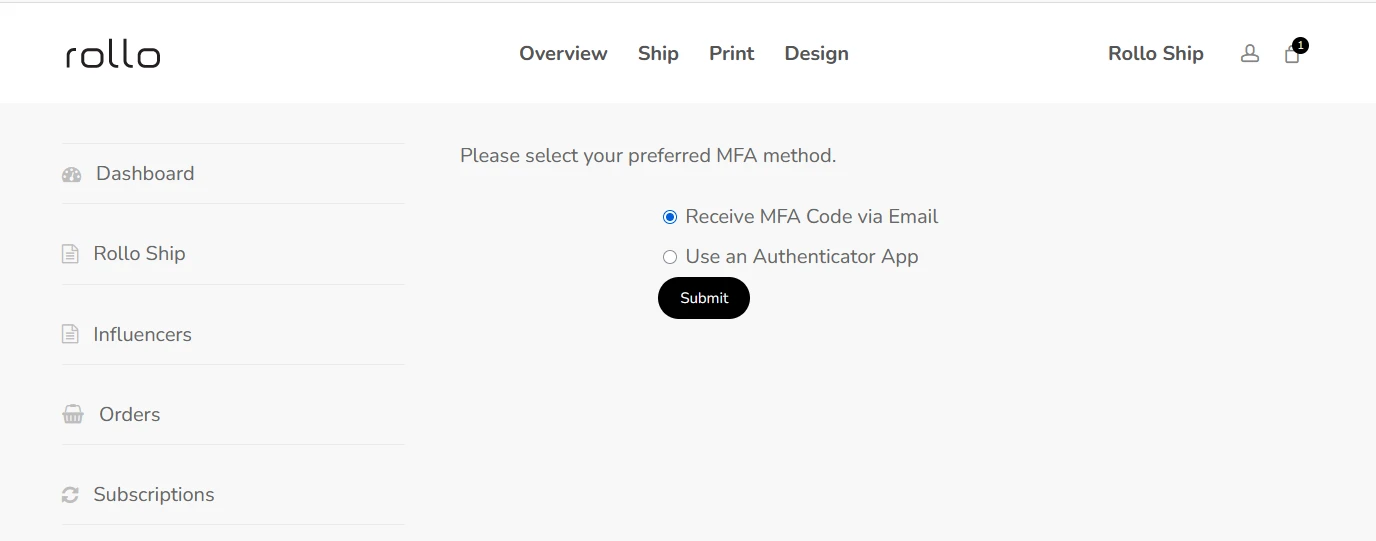
CHOOSING AN MFA METHOD INSIDE THE WORDPRESS ACCOUNT AREA
THE CHALLENGE
WordPress Was Not Supposed to Become a Second User System
Rollo already had its user identity system in AWS Cognito. A standard WordPress setup would have created a second, independent set of users with their own passwords, recovery and security settings to maintain.
THE ARCHITECTURE TO AVOID
AWS Cognito Users
+
WordPress Users
↓
Two Identity Systems to Maintain
THE AUTHENTICATION ARCHITECTURE
WordPress Is the Experience. Cognito Remains the Identity Layer.
The custom plugin sits between WordPress and AWS Cognito. Authentication requests go to Cognito; the verified response is used to establish the WordPress session.
01
Customer
Signs up, logs in or recovers a password
02
WordPress / WooCommerce
The customer-facing application
03
Custom SleekAlgo Plugin
Handles requests, challenges and sessions
04
AWS Cognito
The centralized identity system
RETURN PATH
COGNITO RESPONSE → PLUGIN VERIFIES →
AUTHENTICATED WORDPRESS SESSION
THE COMPLETE FLOW
Building the Complete Authentication Flow
Registration, login, CAPTCHA, MFA and password recovery were built as one connected system, each step working with Cognito rather than a local WordPress password check.
SIGN-IN PATH
Sign Up
→
Login
→
CAPTCHA
→
MFA Challenge
→
Authenticated WordPress Session
RECOVERY PATH
Forgot Password
→
Cognito Password Recovery
→
Return to Login
01
User registration
02
Login
03
Password reset
04
CAPTCHA validation
05
MFA enrollment and challenge
06
Session and authentication handling
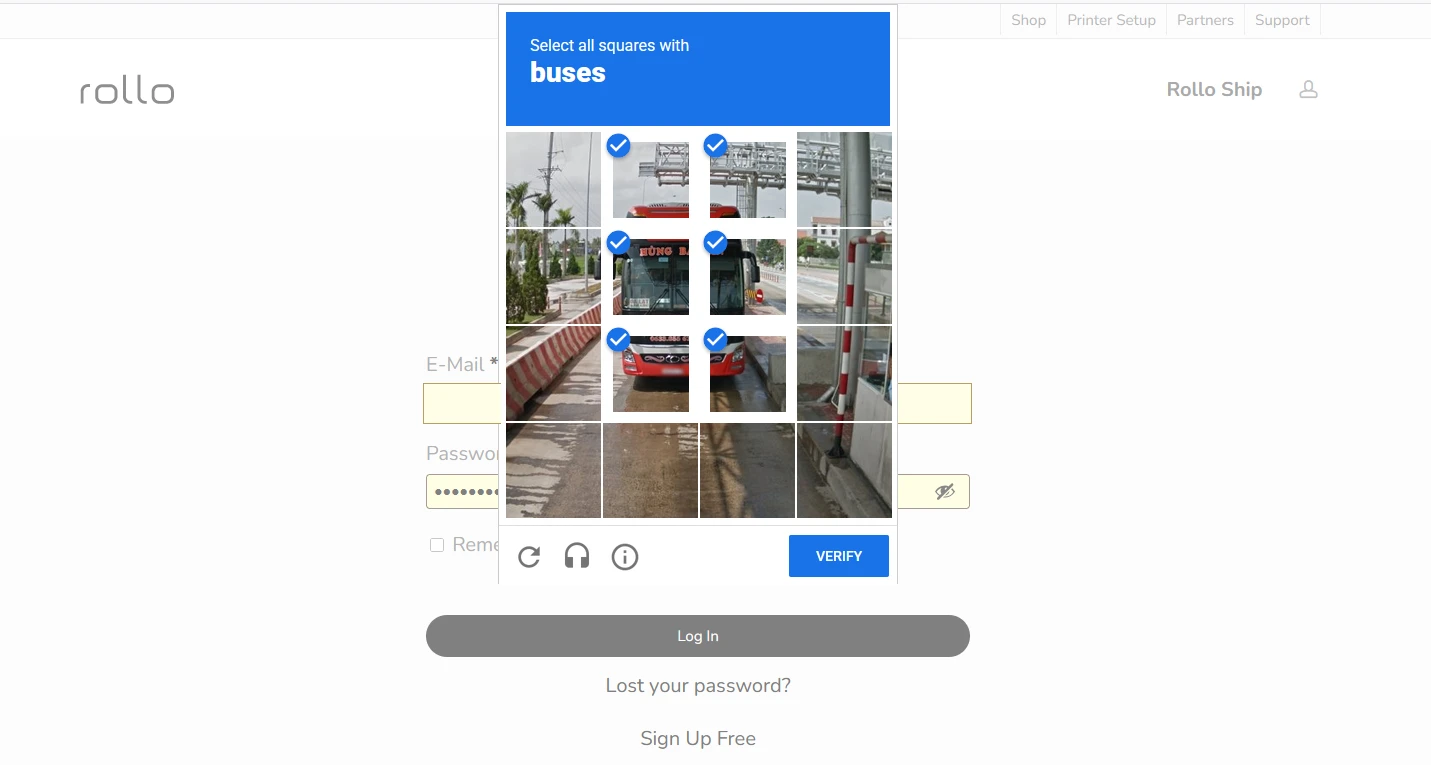
LOGIN WITH CAPTCHA VALIDATION — CREDENTIALS REDACTED
MFA WAS THE HARD PART
Supporting Multiple MFA Paths Inside WordPress
The WordPress interface had to respond to Cognito’s authentication challenges — not simply check a local password. Users could choose to receive a code by email or use an authenticator app.
Login
→
Cognito Challenge
→
Select / Resolve MFA
→
Verify Code
→
Authenticated Session
01 · CHOOSE THE MFA METHOD
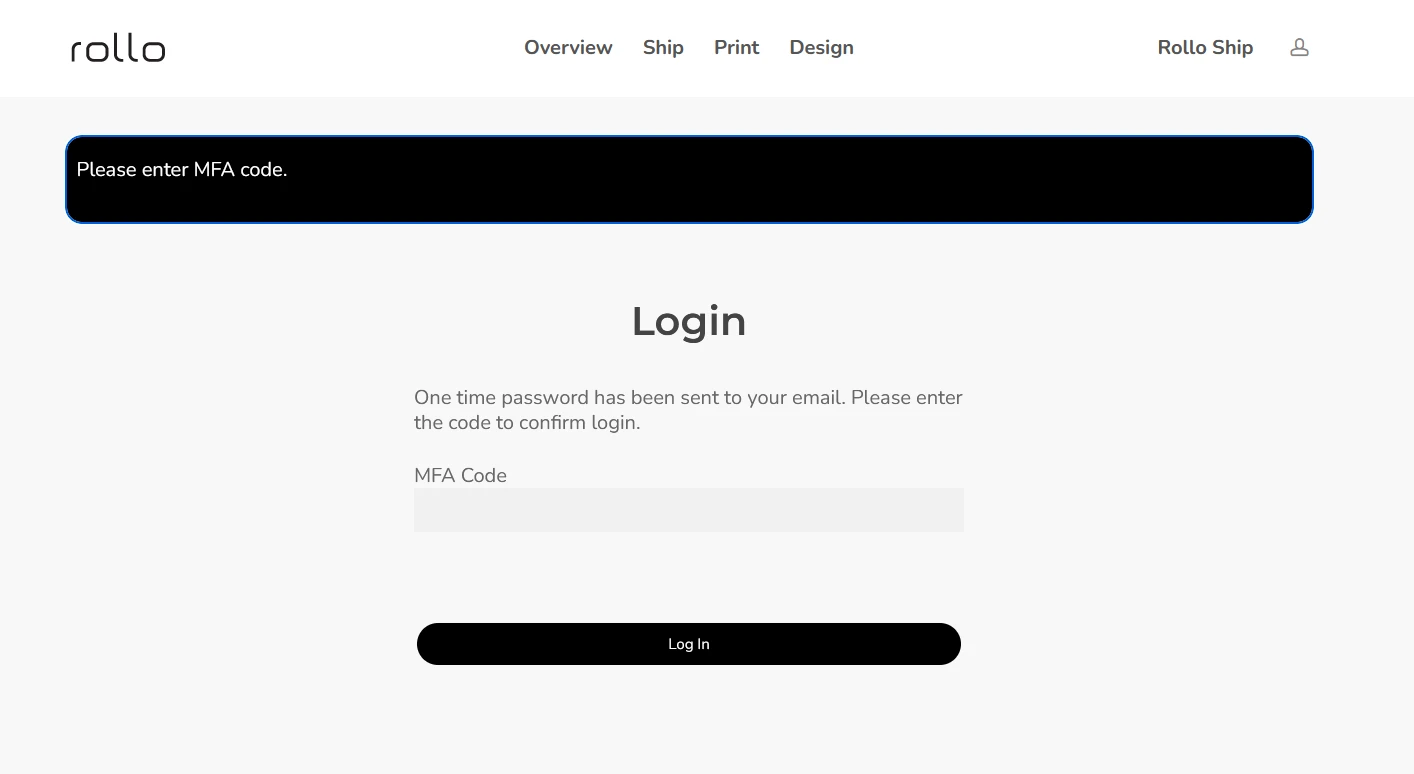
EMAIL MFA VERIFICATION — ONE-TIME CODE CHALLENGE
AUTHENTICATOR APP
Authenticator App Enrollment
Users could set up a compatible authenticator app or browser extension, then verify a generated code to complete enrollment. The QR code and setup key are shown redacted here; no real secret is displayed.
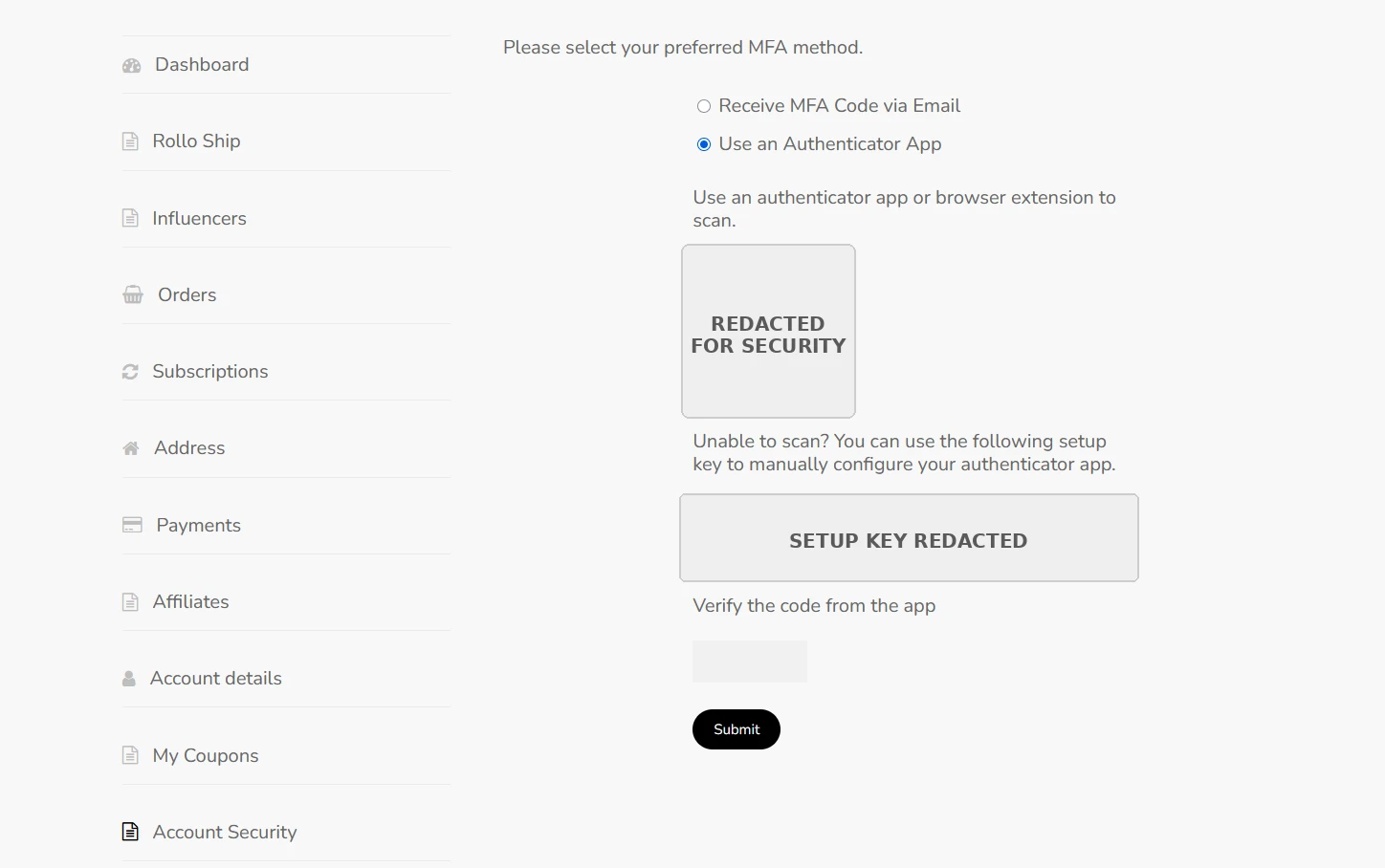
AUTHENTICATOR SETUP — QR CODE AND SETUP KEY REDACTED
WOOCOMMERCE BLOCKS CHECKOUT COMPATIBILITY
Authentication Also Had to Work Through WooCommerce
The plugin was made compatible with WooCommerce Blocks checkout, so the Cognito-based user architecture carried through the customer and ecommerce flow — not just the login page.
WooCommerce Blocks
→
WordPress Authentication Layer
→
Custom Cognito Plugin
→
AWS Cognito
WHY A CUSTOM PLUGIN
The Architecture Had to Fit the Existing Identity System
The requirement combined several things that a general-purpose login plugin was not built around:
Rollo’s existing Cognito architecture
Custom authentication behavior
CAPTCHA
Multiple MFA flows
WooCommerce Blocks compatibility
The aim was not “custom is always better” — it was to avoid forcing the business into a second user-management model.
THE OUTCOME
A Simpler Identity Architecture
Centralized User Management
Users remain managed through AWS Cognito.
Complete Authentication Flow
Signup, login and password recovery integrated.
Multi-Factor Authentication
Email and authenticator-app options supported.
WooCommerce Blocks Checkout Compatibility
Authentication works through WooCommerce Blocks checkout.
Custom WordPress Plugin
Built around Rollo’s existing identity architecture.
★★★★★
5.0 CLIENT RATING
“Very skilled WordPress developer. SleekAlgo communicated clearly and kept us updated on timelines. Highly recommended.”
ROLLO
Clear Communicator
Committed to Quality
TECHNICAL SUMMARY
What Was Built
Identity Provider
AWS Cognito
WordPress Integration
Custom plugin
Authentication
Signup, login, password reset
Security Flow
CAPTCHA + MFA
MFA Methods
Email code + authenticator app
Commerce Integration
WooCommerce Blocks compatibility
Need WordPress to Work With an Existing Identity System?
If your business already relies on an external identity provider, WordPress and WooCommerce can be built to fit that architecture rather than introducing a separate user system.